

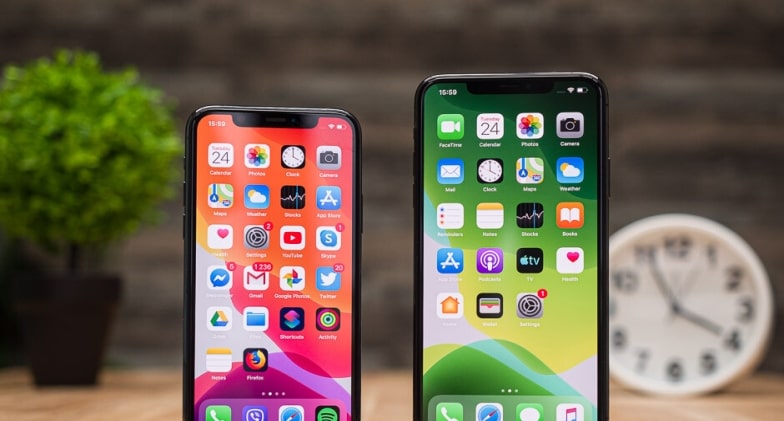
Ever shifted your home? The place where you used to live? Life turns upside down, right? You take so much time to get accustomed to that new place.
Similar is the experience when you switch from Android to iPhone. This is because we are so much dependent on our phones these days; even a slight change makes it difficult for us to get used to it, let alone switch from Android to iPhone. It takes time, but it can be done better if you know the right way.
Here are a few tips that would help you when you go through this big transition:
You have to leave a few things behind
As these two phones are different in operations, the related accessories also vary a lot. For example, your Android phone cover will not suit your iPhone. Also, you’ll have to buy a new charging cable, desktop dock, etc., as for the wireless devices, like Bluetooth headphones, speakers, etc., they might work equally well for iPhones as well.
Get an app for a better shift
Take it as you may; this shift is going to be very difficult. You’ll have to not just learn a lot of new things but also unlearn a lot of your previous habits. This can be made a lot easier with the help of various applications, the best of which is Move to iOS, which is itself Apple’s app that helps and guides you through transferring your data easily from your Android phone to the new iPhone. It is always better to take help from a professional source rather than go for the hit and trial method when it comes to technology and devices.
Customize everything
Once you transfer all your data safely to your new iPhone, start with customizing your device by setting up a wallpaper of your choice and changing the ringtones from iTunes. Remember, you will get a whole new set of ringtones to choose from that will be very different from an Android phone.
Take help
Just like Google Assistant on any Android phone, there is a voice assistant called Siri on an iPhone. Whenever you feel like you do not understand anything, you can just speak it out to Siri, or you can even type it out to Siri. This does not mean that you cannot use Google Assistant on iPhone; you can also enable Google Assistant on your new iPhone.
Be patient
Changing from Android to iPhone is indeed a big transition, and you will take enough time to get used to the functioning of the new iPhone. You will learn slowly and gradually. But you have to remember to be patient through it all, as it takes a lot of time to get used to something new.
Conclusion
The process of learning and unlearning is never easy. This is especially so when it comes to something like our mobile phones, as they are so much a part of our lives. Just like drop by drop fills the ocean, step by step, you will learn everything.
